Dental payment posting glossary: 50 terms every biller should know
payment posting is where revenue cycle problems show up in plain sight. If numbers do not match, if a payer underpays, or if a write-off is wrong, it lands here. For many dental offices, this is also where bottlenecks build. EOBs pile up, ERAs sit unposted, and patient balances drift out of sync. That leads to delayed collections, frustrated patients, and more work for a front desk that is already stretched thin.
This glossary covers 50 terms that come up every day in dental payment posting. Use it to train new team members, audit your current process, and spot where money might be slipping through.
Want this handled for you? Teero’s Insurance Posting & Aging service posts every EOB, ERA, check and virtual card payment into your PMS each business day, then works the claims over 30 days old and the denials. You pay 2% of insurance collections, with volume discounts and an $800 monthly minimum.
Core payment posting terms
1. Payment posting
The process of recording insurance and patient payments in the practice management system and applying them to specific claims or procedures.
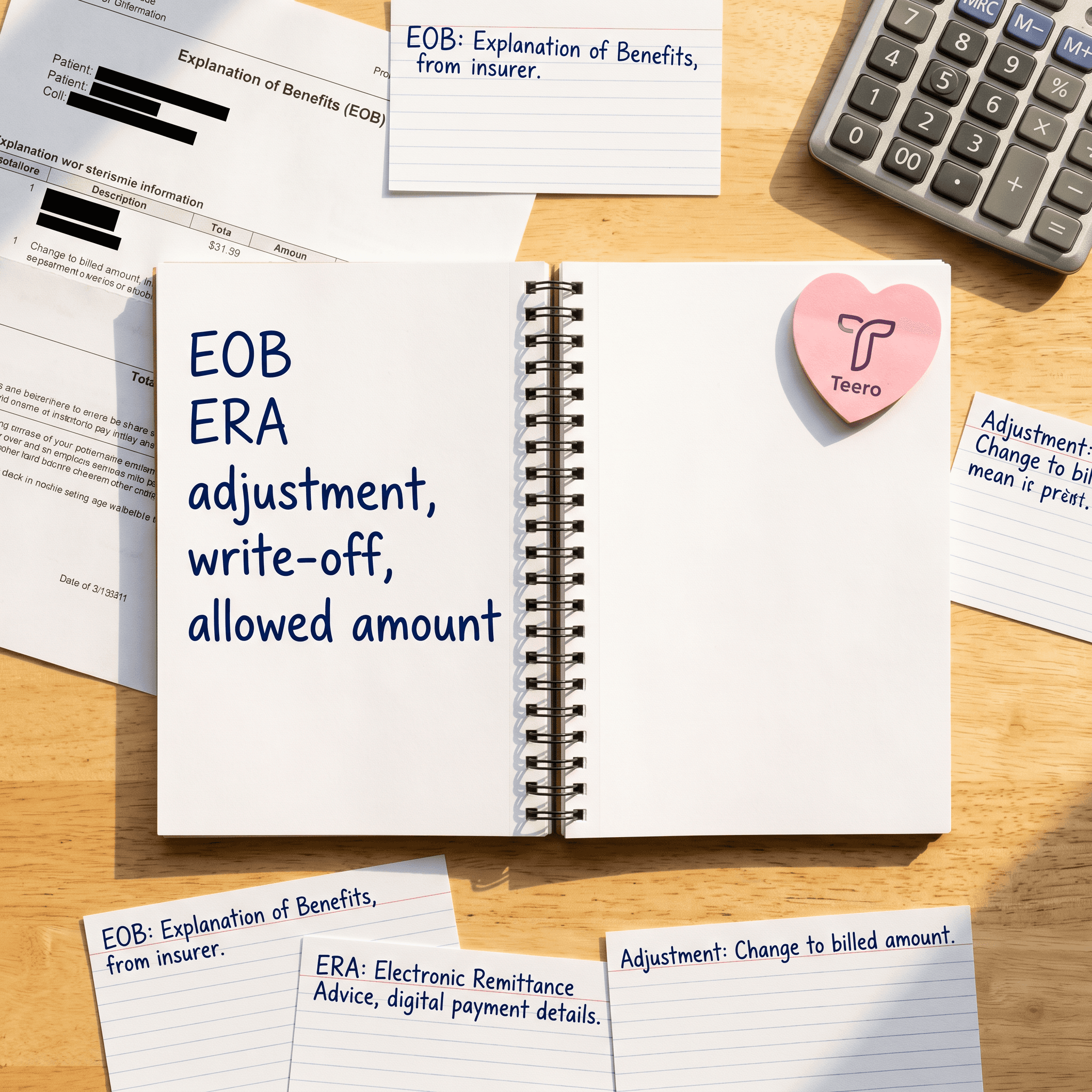
2. ERA (electronic remittance advice)
A digital file from the payer that lists how claims were paid, reduced, or denied. Faster than paper and easier to automate.
3. EOB (explanation of benefits)
A paper or PDF statement from the payer that explains how a claim was processed.
4. Bulk posting
Importing and applying multiple payments at once, often using ERA files.
5. Line-item posting
Applying payments at the procedure level rather than the claim total. This is where accuracy matters most.
6. Auto-posting
Software applies ERA payments automatically based on predefined rules.
7. Manual posting
A team member enters payment details by hand, often from paper EOBs.
8. Posting lag
The time between receiving payment and recording it. Long lag slows reporting and collections.
9. Deposit reconciliation
Matching posted payments to bank deposits to confirm nothing is missing.
10. Batch posting
Grouping multiple payments into a single batch for tracking and reconciliation.
Adjustments and write-offs
11. Contractual adjustment
The difference between the provider fee and the payer’s allowed amount.
12. Write-off
An amount the practice agrees not to collect, often due to insurance contracts.
13. Disallowed amount
A portion of the claim the payer refuses to cover.
14. Allowed amount
The maximum the payer permits for a procedure.
15. Patient responsibility
The portion the patient owes after insurance pays.
16. Coordination of benefits (COB) adjustment
Changes made when multiple insurance plans apply to one claim.
17. Negative adjustment
A correction that reduces a previously posted payment or credit.
18. Positive adjustment
An increase to a posted amount, often after reprocessing.
19. Capitation adjustment
A payment adjustment tied to a fixed per-patient agreement instead of fee-for-service billing.
20. Fee schedule
A list of procedure fees negotiated with a payer.
Claim status and payment outcomes
21. Paid in full
The payer covered the claim according to the allowed amount.
22. Partial payment
The payer paid only part of the claim.
23. Denial
The payer rejected the claim or part of it.
24. Pending claim
A claim still under review.
25. Reprocessed claim
A claim that has been reviewed again after correction or appeal.
26. Overpayment
The payer paid more than expected. Needs correction or refund.
27. Underpayment
The payer paid less than the contracted amount.
28. Zero payment claim
A processed claim with no payment. Often tied to denials or policy limits.
29. Aging report
A breakdown of outstanding balances by time period.
30. Accounts receivable (AR)
Money owed to the practice by patients or payers.
Codes and identifiers
31. CDT codes
Procedure codes used in dental billing.
32. CARC (claim adjustment reason code)
Codes that explain why a payment was adjusted.
33. RARC (remittance advice remark code)
Additional details that support CARC codes.
34. NPI (national provider identifier)
A unique ID for healthcare providers.
35. Payer ID
A code that identifies the insurance company in electronic transactions.
36. Claim number
A unique identifier assigned by the payer to track a claim.
37. Subscriber ID
The patient’s insurance policy number.
38. Group number
Identifies the employer or plan group tied to the insurance policy.
Payment methods and processing
39. EFT (electronic funds transfer)
Direct deposit from payer to provider bank account.
40. Check payment
A paper check issued by the payer.
41. Credit card payment
Patient payments made via card, often at the front desk or online.
42. Lockbox
A bank service that processes mailed payments and EOBs.
43. Clearinghouse
A third party that transmits claims and remittance data between providers and payers.
44. Payment variance
The difference between expected and actual payment.
Patient balance handling
45. Patient ledger
A record of all charges, payments, and adjustments for a patient.
46. Credit balance
An overpayment that results in money owed back to the patient or payer.
47. Statement cycle
The schedule for sending patient billing statements.
48. Bad debt
Amounts deemed uncollectible after reasonable effort.
49. Payment plan
An arrangement that lets patients pay balances over time.
50. Refund
Returning an overpayment to the patient or payer.
Where dental offices get stuck
Knowing the terms is one thing. Keeping payment posting clean and timely is another.
Many offices deal with a mix of ERAs and paper EOBs. ERAs can be auto-posted, but only if mappings are set up correctly. If not, someone has to review exceptions line by line. Paper EOBs slow everything down. They require manual entry, increase the chance of typos, and often sit in a stack when the front desk is busy with patients.
Underpayments often go unnoticed. If your team is posting totals instead of line items, you will miss small discrepancies that add up across hundreds of claims. The same goes for contractual adjustments. If fee schedules are outdated in your system, it is hard to tell if a payer paid correctly.
Denials create another layer of friction. A denied claim might be posted as zero payment, but if no one follows up, it stays in AR. Over time, aging reports get bloated and less useful.
Staffing also plays a role. Payment posting is detail-heavy work that requires focus. In many practices, the same person is answering phones, checking patients in, and trying to post payments between interruptions. That leads to posting lag and errors.
Practical ways to improve payment posting
Start with consistency. Every payment should be posted at the line-item level. That is the only way to catch underpayments and incorrect adjustments. It takes more time upfront but prevents revenue loss.
Use ERA auto-posting where possible. Set up payer mappings carefully and review exceptions daily. Do not let exceptions pile up. A small queue is manageable. A week’s worth is not.
Reconcile deposits every day. Match posted payments to bank deposits so you can catch missing or duplicate entries quickly.
Audit adjustments. Run reports on contractual adjustments and write-offs. Look for patterns. If one payer consistently underpays, it may be a fee schedule issue or a posting error.
Track posting lag. Measure how long it takes from payment receipt to posting. If it is more than a couple of days, identify the bottleneck. It is often tied to manual EOB handling or limited staff time.
Keep fee schedules updated in your system. Without that, you cannot accurately compare expected vs actual payments.
Separate duties if possible. Even in small offices, try to dedicate blocks of time for payment posting without interruptions. Accuracy drops when someone is switching tasks every few minutes.
Train your team on CARC and RARC codes. These codes explain why money changed. If your team understands them, they can spot issues faster and route denials correctly. For broader coding and billing guidance, many teams reference resources from the AAPC (coding & billing).
A note on scale
As claim volume grows, manual posting does not hold up. More claims mean more ERAs, more exceptions, and more chances for errors. At that point, practices either fall behind or spend heavily on admin time.
This is where structured workflows and dedicated support matter. Some practices move payment posting off the front desk entirely so patient-facing staff can focus on the schedule and experience.
Teero’s revenue cycle management tools help dental practices handle payment posting and billing remotely, with automation for ERAs and consistent deposit reconciliation, so teams are not stuck catching up at the end of the week.

